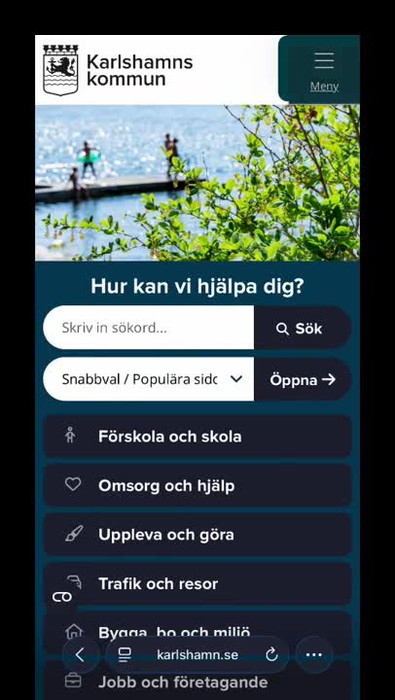
Translate information directly on karlshamn.se
This is how you translate information found on our website.
Here are the different steps for the video below
The example is recorded from a mobile phone, but the steps are the same on a computer.
- On karlshamn.se’s home page, go to the menu and select: Translate.
- On the page you arrive at, select the language. In the example, we select ”Arabic”.
- The content is translated into Arabic by Google’s translation service.
- Go back to the home page and refresh the page.